About Extract text from PDF
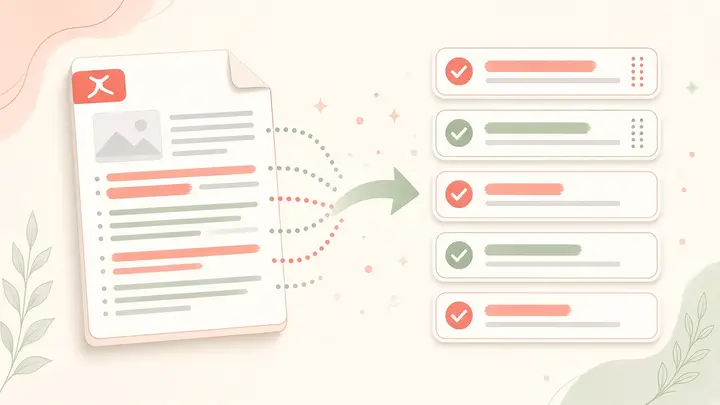
Pull selectable text from typed PDFs (notes, worksheets with a text layer). Scanned image-only files need OCR elsewhere first.
Extraction never uploads the PDF.
Turn typed PDFs into editable notes
When a worksheet already has a text layer, extraction is faster than retyping. Paste into Docs to build quizzes, feedback notes, or study summaries. Image-only scans need OCR first — this tool is not a camera scanner.
How to use Extract text
- Choose a text PDF
- Extract
- Copy text
Common use cases
- Quiz building from notes
- Study summaries in Docs
Practical tips
- Test by selecting text in a normal PDF reader first.
- Copy page by page if a huge file feels slow on an old phone.
- Use Word Counter after pasting to check essay limits.
Longer guide
Prefer a full walkthrough? Read the guide, then return here to use the tool free.
Read the Extract text guide →Frequently asked questions
Search privacy, pricing, WhatsApp, and how-to answers
Does it work on scans?+
Best on text-based PDFs. Image scans need OCR first.
Why is the output empty?+
The PDF is likely a photo of paper with no text layer. Run OCR elsewhere, or retake notes as a typed document.
Do I need a Mentr account to use this tool?+
No. Every Mentr Tool works without login. Accounts are optional if you later want to find a tutor, enroll in Learn, or list as faculty.
Are Mentr Tools really free?+
Yes. Tools are free forever with no coins, premium packs, or upload limits set by us. Your device memory is the only practical limit.
Does Mentr store my files?+
No. Processing runs in your browser. We do not upload homework PDFs, photos, or essay text to Mentr servers for these tools.
Will this page show ads?+
Public tool and guide pages may show Google AdSense ads. Ads do not change how the tool works or which tutors appear in search.
Related tools
Stay on Mentr — open the next utility without leaving the site
Merge PDF
PopularPDF
Combine homework PDFs into one file for WhatsApp or printing — private, in your browser.
PrivateOpenCompress PDF
PopularPDF
Shrink PDF size for WhatsApp (≈16 MB limit), email, or school portals — private.
PrivateOpenFree Background Remover
PopularPDF
Remove image backgrounds and download a transparent PNG — free forever, no watermark, no signup.
PrivateOpenImages to PDF
PopularPDF
Turn JPG / PNG homework notebook photos into one PDF for WhatsApp.
PrivateOpen