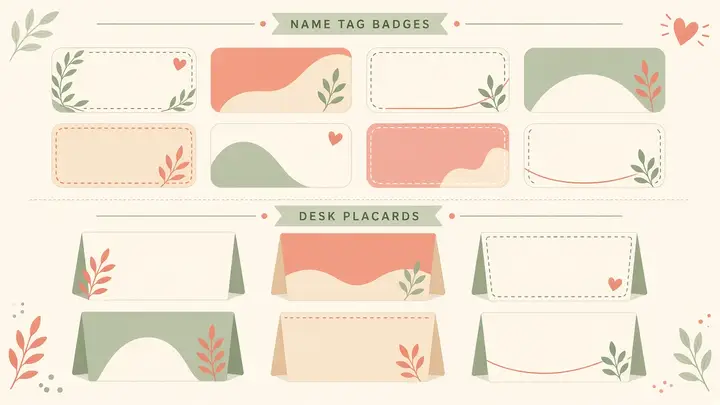
About Name tags & seating labels
Paste the class list, choose tags per A4 page, download PDF, print and cut. Calm first-day batches without hand-lettering cards.
Names stay in your browser tab.
First-day labels that take one minute
Paste the class list, pick 4/6/8 tags per page, download, print, cut. Camps and tuition batches feel calmer when every desk has a name — and you did not hand-letter twenty cards the night before.
How to use Name tags
- Paste names
- Choose tags per page
- Download PDF
Common use cases
- New tuition batch day
- Summer camps
Practical tips
- One name per line in the box.
- Laminate if the batch lasts a full term.
- Keep a spare sheet for late joiners.
Longer guide
Prefer a full walkthrough? Read the guide, then return here to use the tool free.
Read the Name tags guide →Frequently asked questions
Search privacy, pricing, WhatsApp, and how-to answers
How many tags per page?+
4, 6, or 8 on A4.
Are student names uploaded?+
No. Names stay in your browser until you download the PDF. We do not store class lists.
Do I need a Mentr account to use this tool?+
No. Every Mentr Tool works without login. Accounts are optional if you later want to find a tutor, enroll in Learn, or list as faculty.
Are Mentr Tools really free?+
Yes. Tools are free forever with no coins, premium packs, or upload limits set by us. Your device memory is the only practical limit.
Does Mentr store my files?+
No. Processing runs in your browser. We do not upload homework PDFs, photos, or essay text to Mentr servers for these tools.
Will this page show ads?+
Public tool and guide pages may show Google AdSense ads. Ads do not change how the tool works or which tutors appear in search.
Related tools
Stay on Mentr — open the next utility without leaving the site
Study Timetable Generator
PopularStudent
Build a weekly study plan and download a printable A4 PDF for boards or tuition.
PrivateOpenMerge PDF
PopularPDF
Combine homework PDFs into one file for WhatsApp or printing — private, in your browser.
PrivateOpenCompress PDF
PopularPDF
Shrink PDF size for WhatsApp (≈16 MB limit), email, or school portals — private.
PrivateOpenFree Background Remover
PopularPDF
Remove image backgrounds and download a transparent PNG — free forever, no watermark, no signup.
PrivateOpen