Share Python Code Online With a Link (No GitHub Needed)
How to share Python homework with a runnable link instead of WhatsApp paste. Snapshot URLs, read-only + fork, and multi-file projects for class.
Mentr Engineering··7 min read
Emailing main.py fails in class. WhatsApp strips formatting. Screenshots hide bugs. The search “share Python code online” is students and teachers looking for a link that opens the same program, runnable, without GitHub. Here is a clean pattern that works on school Wi‑Fi.
Why copy-paste breaks homework review
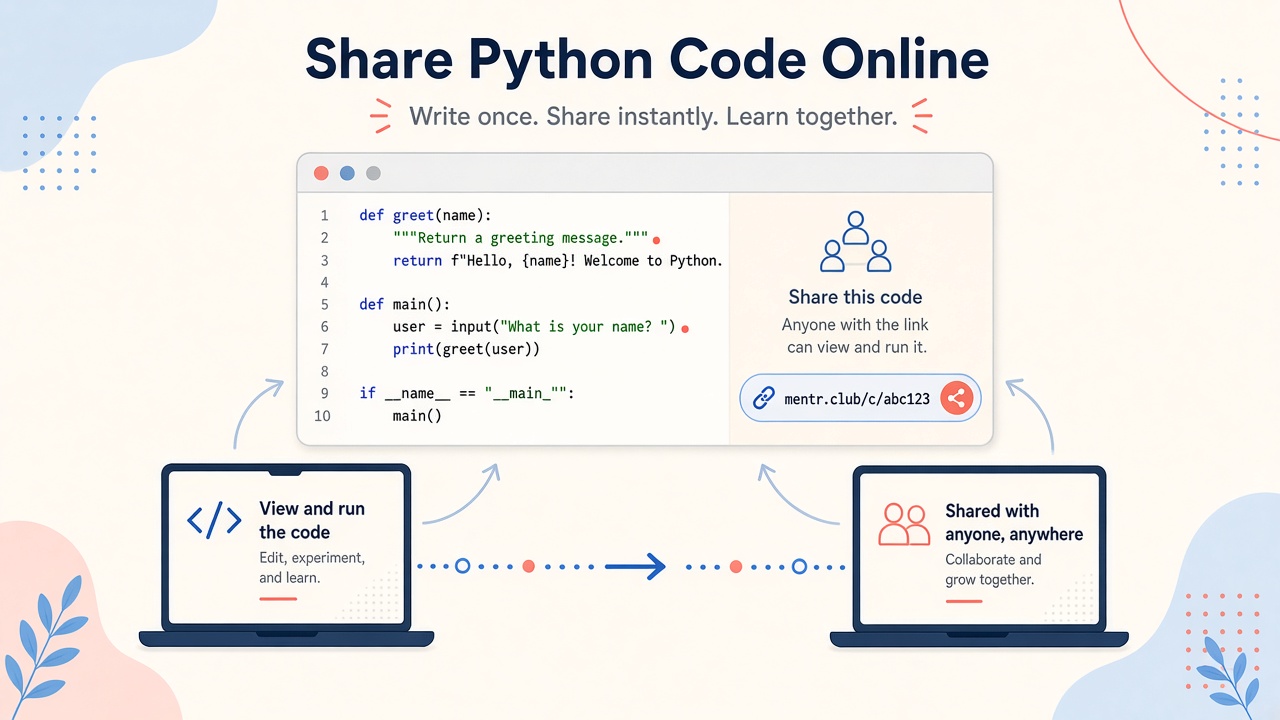
A share link carries the snapshot — editor, folders, and stdin — to another browser.
Indentation dies in chat apps.
Teachers cannot Run the student’s exact version.
Multi-file projects do not fit in one message.
Drive links still require the reviewer to install or re-upload.
What a good share link must include
Minimum payload for sharing Python online
Piece
Why
Active file content
What they were editing
Full workspace (optional)
Packages and imports
stdin sample
So input() demos replay
Short URL
Easy to read aloud in class
Read-only + fork
Prevent accidental edits; allow practice
Mentr’s Share button posts a snapshot to /api/python-compiler/share and returns /c/<id>. Opening the link loads the online Python IDE in read-only mode. Fork unlocks editing on the viewer’s device.
How to share from Mentr in 20 seconds
Open the online Python compiler and finish your program (folders included).
Click Share — the link is copied.
Paste into Classroom, WhatsApp, or email.
Recipient opens /c/…, presses Run, then Fork if they need to change it.
Share vs GitHub vs Colab for school
GitHub is right for portfolios. Colab is right for notebooks and GPUs. For Class 8–12 homework and lab viva prep, a one-click share into a browser IDE wins on friction: no account required for the viewer to Run.
Common questions
How do I share Python code online without GitHub?
Use a browser IDE that creates a snapshot link. In Mentr, click Share to copy a /c/… URL that opens the same code (and folders) in another browser.
Can the other person edit my code?
Shared links open read-only. They can Fork to edit a copy on their device without changing your snapshot.
Does sharing upload my code to run on a server?
The snapshot is stored so the link can reload. Running still happens in the viewer’s browser via WebAssembly, not as remote code execution on a shared container farm.