Online Python IDE: Editor, Folders, Share — Free in Your Browser
What an online Python IDE needs beyond a Run button: Monaco editor, folders and imports, share links, and zip projects. Free browser IDE checklist for 2026.
Mentr Engineering··8 min read
An online Python IDE is more than a Run button. Students searching for an online Python IDE want an editor that feels serious, folders for real imports, a way to share work, and code that runs without installing Python. This guide explains what that stack looks like in 2026, and how Mentr’s free browser IDE covers it.
Compiler vs IDE — what people actually mean
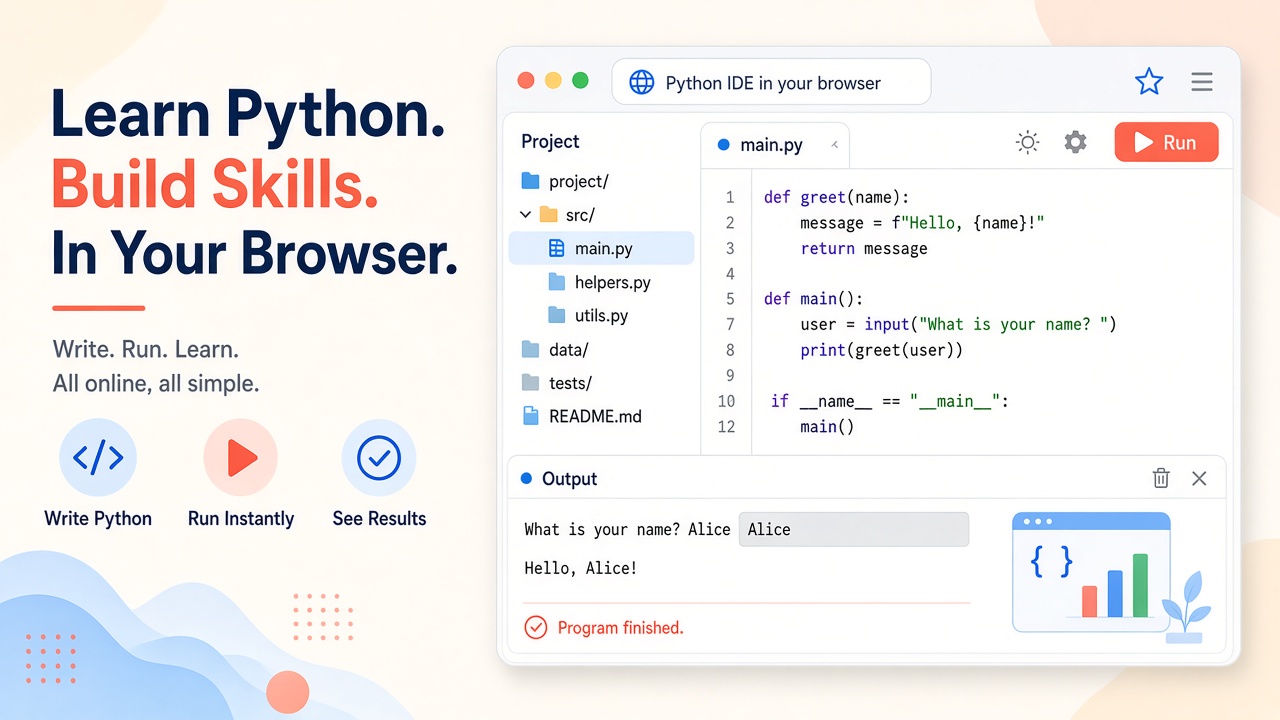
A browser Python IDE: explorer + Monaco editor + Run/output — not just a single textarea.
Search engines still rank “online Python compiler” highest, but the intent behind “online Python IDE” is clearer: multi-file projects, find/replace, share, download. A playground that only has one box labelled main.py is a compiler UI. An IDE adds structure.
Compiler UI vs online Python IDE
Need
Basic compiler
Online IDE
Editor
Textarea
Monaco / VS Code–class editing
Files
One buffer
Folders, rename, move
Imports
Single file
from package.module import …
Share
Copy-paste
Permalink /c/…
Portable project
Download one .py
Zip import/export
What to look for in a free online Python IDE
Real CPython in the browser (not a toy subset) so errors match school/college exams.
Interactive input() that pauses like a terminal.
Folders and package-style imports for Class 11–12 and early college work.
Share link so a teacher can open the exact snapshot.
Works on phone tabs as well as laptop split panes.
No forced sign-up for the first Run.
How Mentr’s online Python IDE is put together
Mentr runs CPython 3.14 via Pyodide (WebAssembly) inside a Web Worker. The UI is Monaco plus a file explorer. Pressing Run mounts the workspace into an in-memory filesystem so imports resolve. Examples, zip IO, and Share sit on top of that engine.
Five-minute classroom walkthrough
Open the IDE and pick Examples → Folders + imports.
Run. Show greetings/ and maths/ in the explorer.
Rename a module and fix the import if needed.
Share the link; open it in an incognito window (read-only).
Fork, then Export zip for the student’s pen drive.
For the engineering deep dive — Workers, SharedArrayBuffer, share API — use the how-it-works article linked below. It has a simple session brief and a full technical path.
Common questions
Is an online Python IDE the same as an online Python compiler?
People use both phrases. Technically a compiler/interpreter runs code; an IDE adds editor quality, files, and project tools. Mentr’s product is an online Python IDE built on a browser CPython runtime.
Do I need to install Python?
No. The first visit downloads the WebAssembly runtime once; later visits use the browser cache.
Can I use folders and imports?
Yes. Create folders and files, then import across packages. Zip import/export is supported for whole projects.